Live laser engraving: names, logos and messages engraved in front of your guests
Guests choose the text and style on a touchscreen or on their smartphone, see the preview on the item and watch it come to life under the laser: moments later, it’s theirs.
- Metal
- Glass
- Leather
- Wood
- Class 1 laser
- Order via QR or kiosk
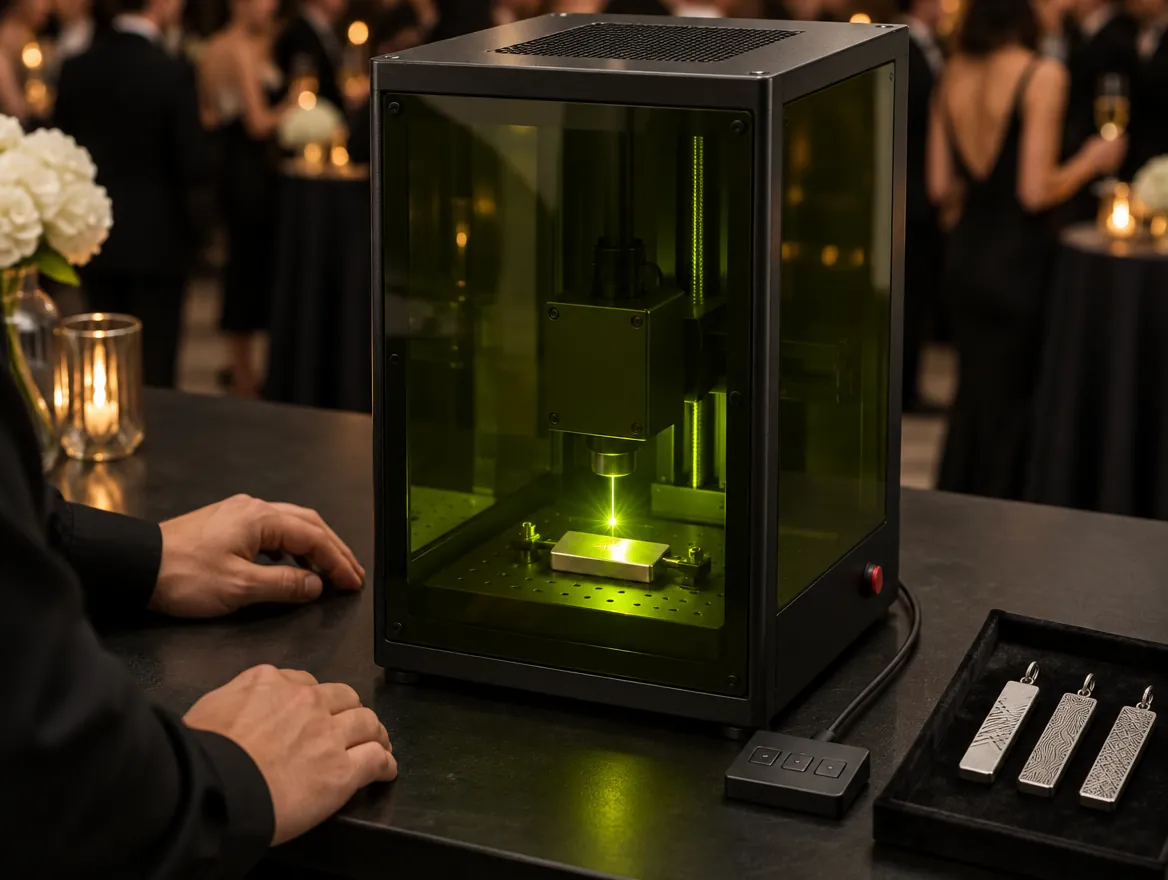
SelfieBoost brings a laser engraving station to your event, with an operator and its own ordering system. Guests personalise from their phone via a QR code, with no app, or from a touchscreen kiosk; each order gets a code and joins the operator’s queue, who engraves metal, glass, leather or wood in anywhere from a few seconds to a couple of minutes per item. It’s a Class 1 laser in a closed enclosure, with an extra air purifier, so it can be used indoors, right among your guests. All you need is a power socket and room for a table.
Type a name, watch it engraved
This is the preview guests see before confirming: the text automatically fits the pendant’s area.
Example on a stainless steel pendant. At your event we use your brand’s fonts, graphics and items.
From the event page to the item in hand
Two ways to personalise, one simple flow: the screen at the station or the guest’s own phone.
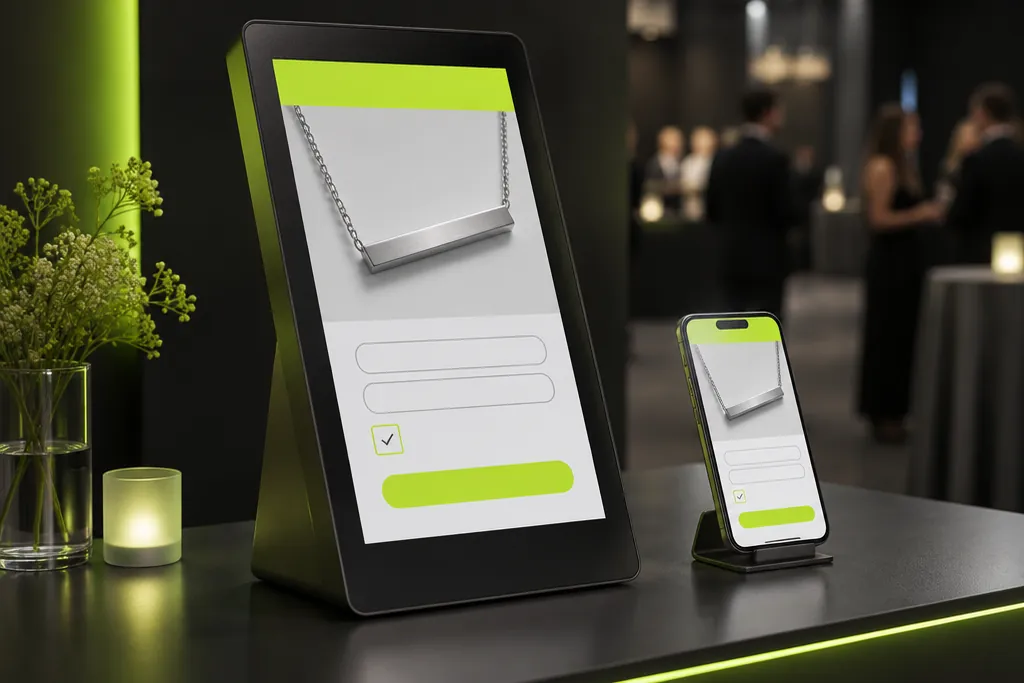 01
Custom event page
We build the event page with your brand’s graphics, fonts and colours and, if needed, a data-capture form with privacy consents.
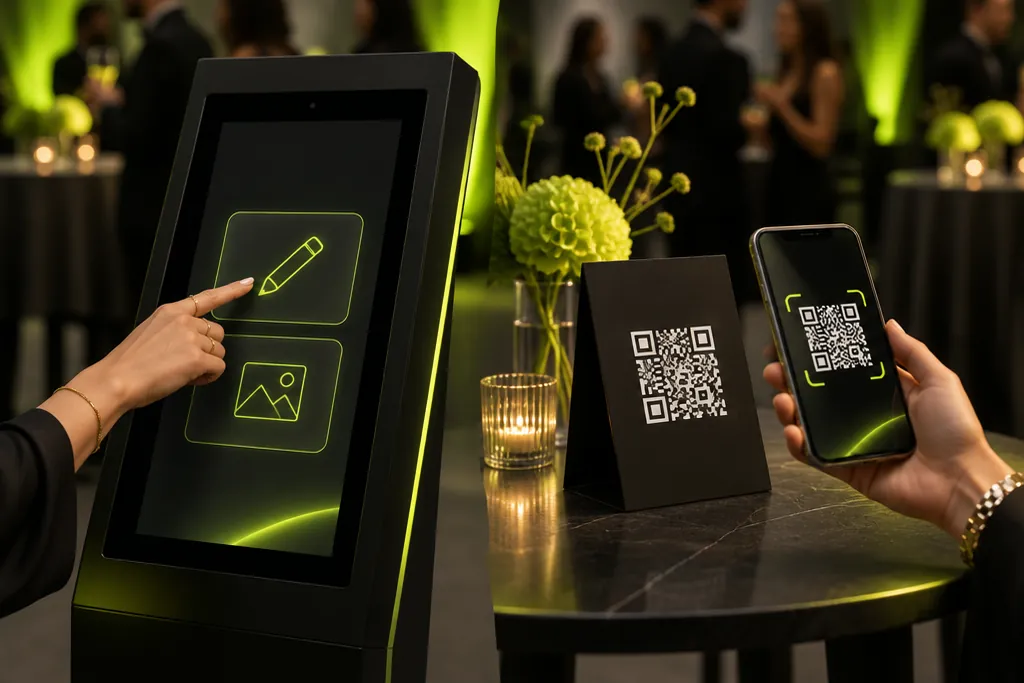 02
Screen or phone
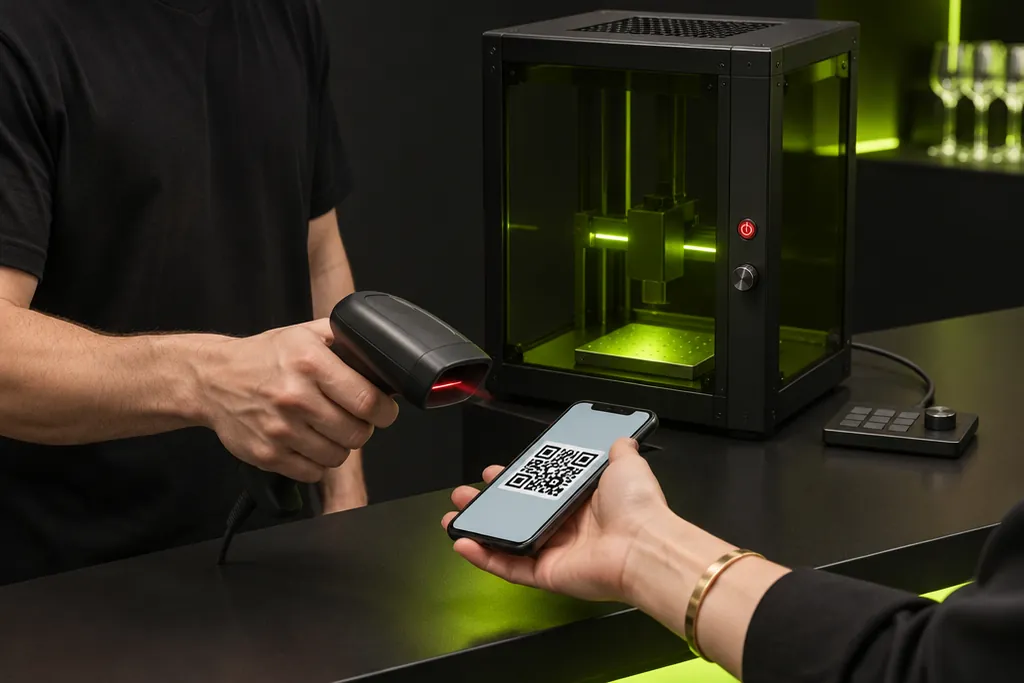
Guests personalise on the touchscreen at the station, or scan a QR code and do it on their own phone, with no app.
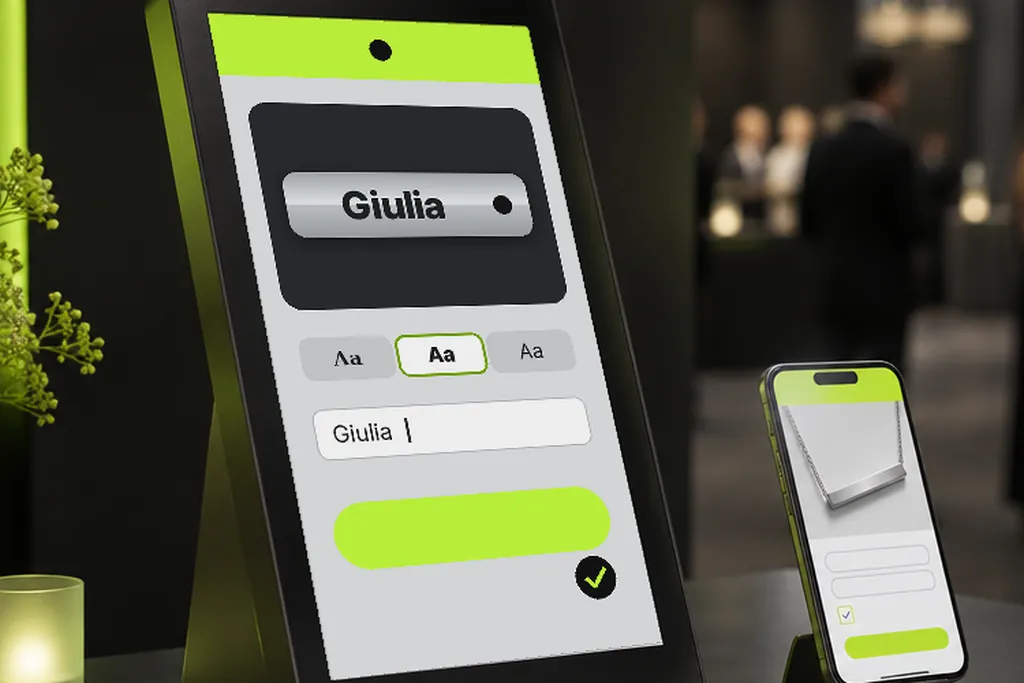 03
Personalise and save
They type a name or message, choose a style and see the preview on the item. Then they save.
 04
Engraving starts
The next step depends on where the guest personalised their item.
From the screenengraving starts straight awayFrom a phonethe operator scans the guest’s QR code and starts the laser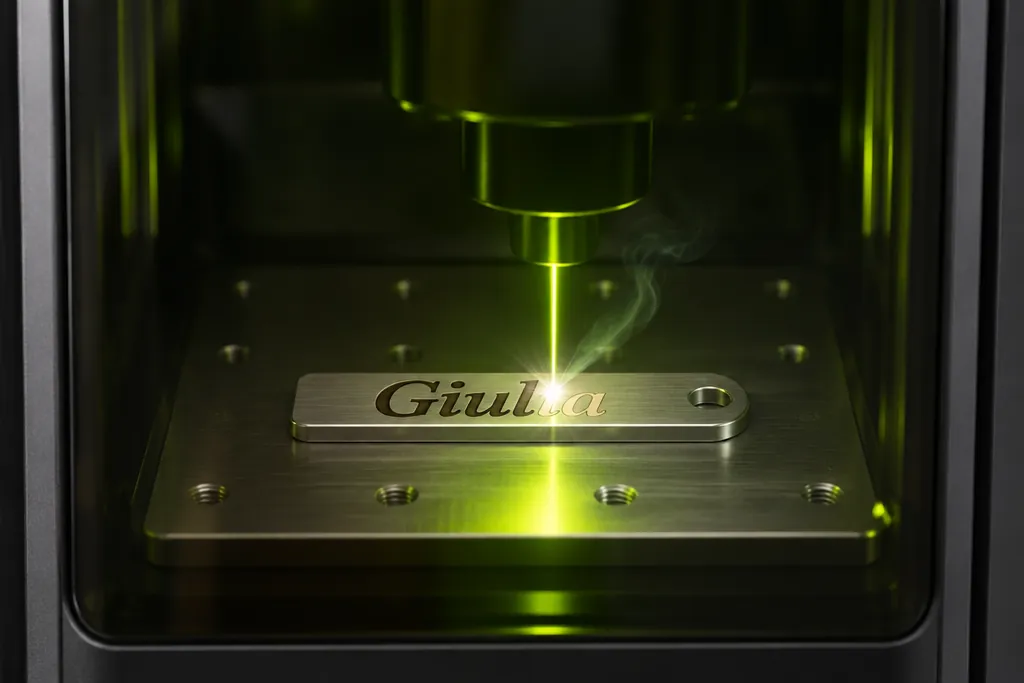 05
Live engraving
From a few seconds to a couple of minutes, right in front of the guest.
 06
Delivery
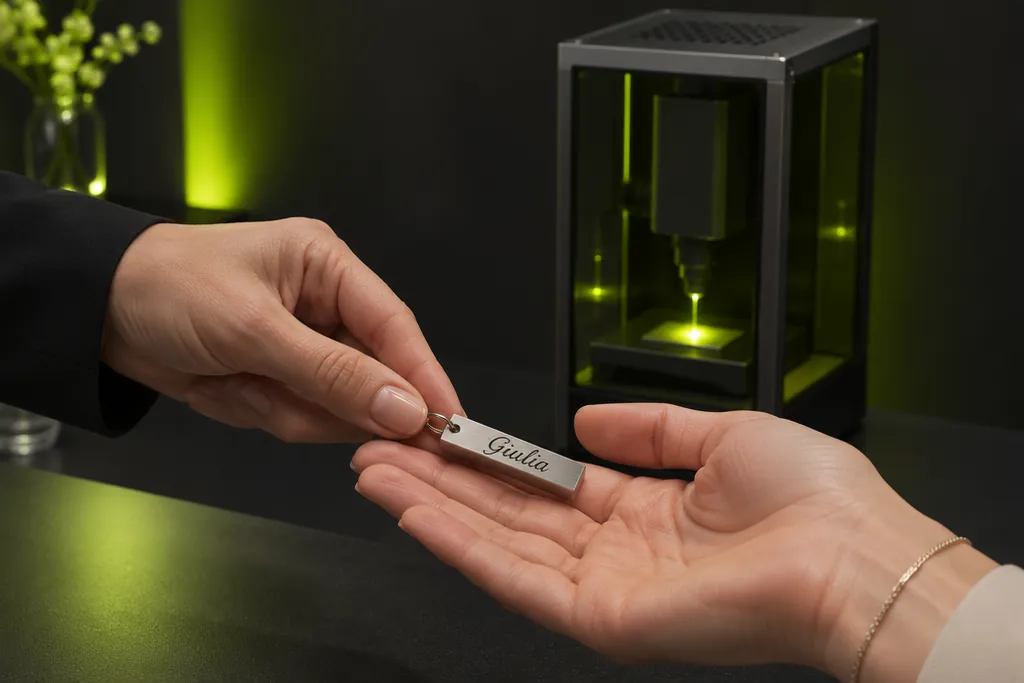
The personalised item goes from the operator’s hands straight into the guest’s.
Built for events, from the first guest to the last
Software we built ourselves: a guest screen, an operator screen and a client page, for a one-day event or an activation lasting weeks.
No queues
With phone ordering, guests don’t queue: they personalise wherever they are and come back to collect.
True-to-life preview
Guests see the result before confirming: no surprises and no wasted items.
Brand graphics
Your event’s screens, fonts and colours, on the kiosk and on phones.
Text that fits
No fixed character limit: the text resizes itself to fit the item’s engraving area.
Orders always in order
Every order gets its own code and joins the operator’s queue, so they always know what to engrave and for whom.
Numbers and contacts
A client page with real-time orders and statistics; optional contact collection with privacy consents, as Excel or CSV.
What we engrave
Metal and stainless steel
Pendants, keyrings, water bottles, tags
Glass
Bottles, glasses, flasks
Leather and faux leather
Wallets, keyrings, phone cases, notebooks
Wood
Giveaways, plaques, coasters
Your products
We test them before the event
- Trade shows and stands
- Pop-ups and retail
- Product launches
- Corporate events and Christmas parties
- Weddings and private parties
What you need and what’s included
| Timing | From a few seconds to a couple of minutes per item, depending on the item and design |
|---|---|
| Materials | Metal and stainless steel, glass, leather and faux leather, wood |
| Ordering | From a smartphone via QR code, no app needed, or from the touchscreen kiosk |
| Content | Names, words, dates, logos and graphics |
| Items | Your brand’s products or giveaways chosen together, tested before the event |
| Staff | A SelfieBoost operator for the whole event |
| From the venue | A standard power socket and room for a table: we agree the details with the venue |
| Safety | Class 1 laser in a closed enclosure, with an extra air purifier: safe to use indoors, among the public |
| Lead capture | Optional, with privacy consents |
Pair it with
 Live
Live Personalisation
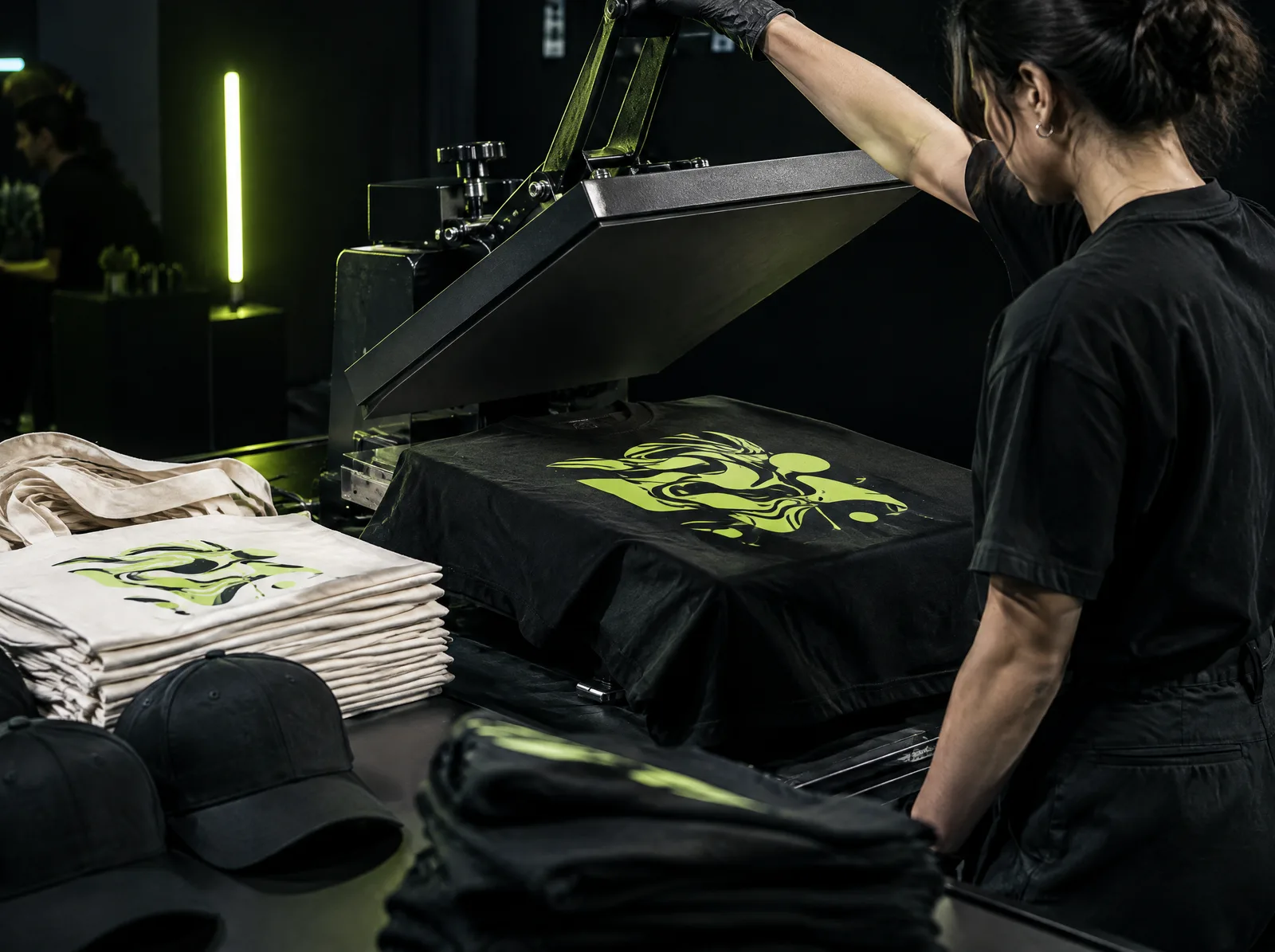
An AI-generated design on a T-shirt, a name laser-engraved on a water bottle: every guest takes home…
Discover →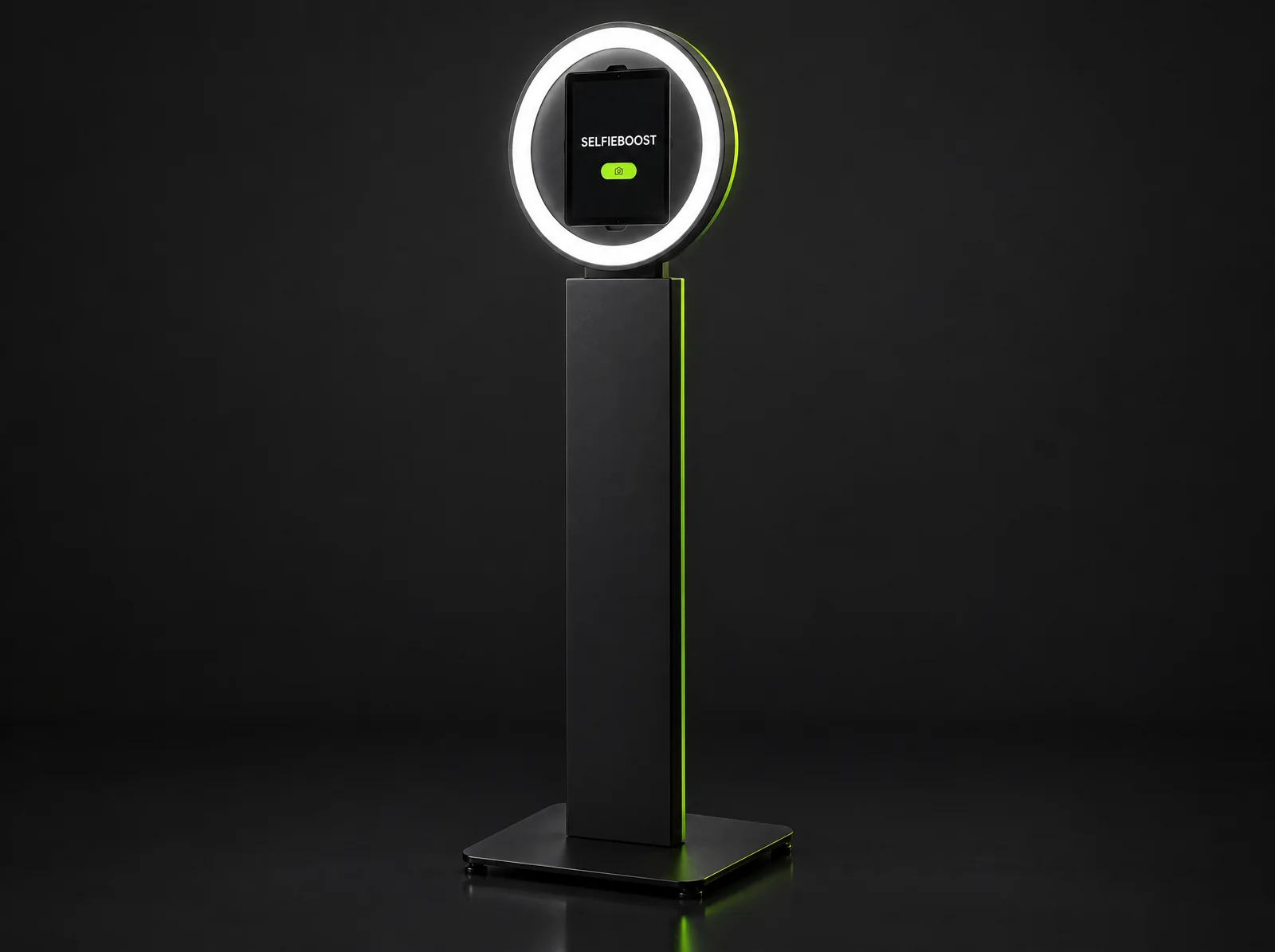 Photo & Video
Social Photo Booth
Compact, branded and built for sharing: the Social Photo Booth turns every guest into a…
Discover →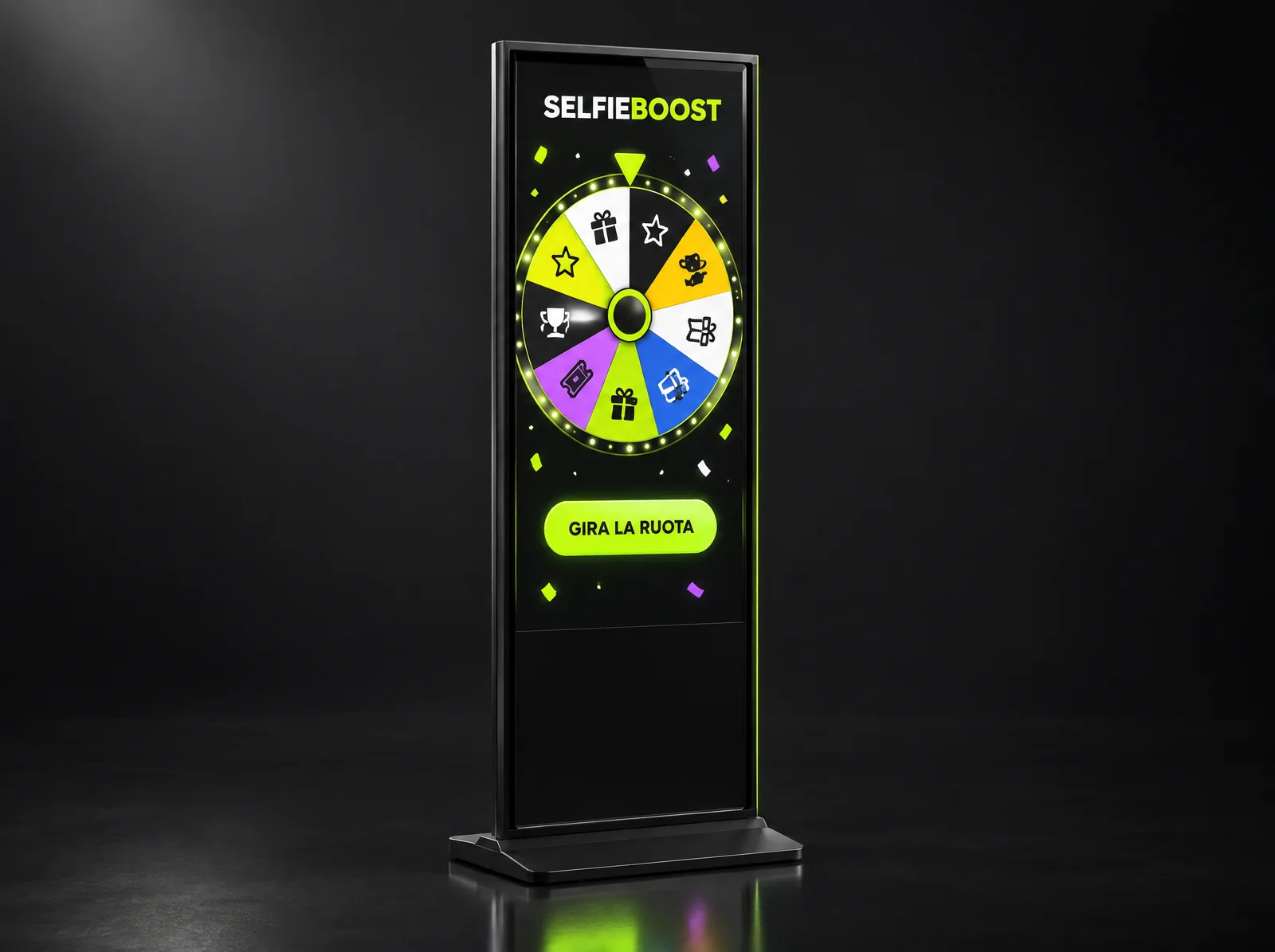 Games
Gamification
Branded games, live leaderboards and instant-win prizes: the most fun way to capture data
Discover →Frequently asked questions
How long does each engraving take?
From a few seconds to a couple of minutes: it depends on the item, the material and how detailed the design is. A short name on a pendant is very quick; a solid logo takes longer.
Do guests need to download an app?
No. They scan a QR code with their phone camera and personalise from the browser, or they use the touchscreen kiosk at the station.
Which materials can you engrave?
Metal and stainless steel, glass, leather and faux leather, wood. We test every item before the event to find the right settings.
Can we use our own products and fonts?
Yes: we engrave your brand’s products or giveaways chosen together, using the fonts, logos and colours of your visual identity.
Is it safe to use indoors, among guests?
Yes. It’s a Class 1 laser: the beam works inside a closed enclosure, so it can be used indoors and close to the public. We also use an air purifier that filters the engraving fumes.
What does the venue need to provide?
A standard power socket and room for a table for the station. We agree the details with the venue before the event.
Can we collect guests’ contact details?
Yes, if you need it: a form with privacy consents and the fields you choose, data stored on servers in Europe and delivered as Excel or CSV. You can also ask for nothing at all.
Can it be combined with other activities?
Yes: with a photo booth, a game, or the AI-designed merch printing of Live Personalisation.
Shall we bring live laser engraving to your event?
Date, venue, number of guests and goal: we'll reply with a concept and a tailored proposal.
- hello@selfieboost.it
- Phone
- +39 333 505 9246
- Message us on WhatsApp ↗
- Studio
- Via Piacenza 30, 20093 Cologno Monzese (MI), Italy